Tools · iPhone & Mac
Wishbird: Auto Texts
Birthday, holiday and away texts, on autopilot.
Free · Optional Wishbird Plus purchase · Free trial
About
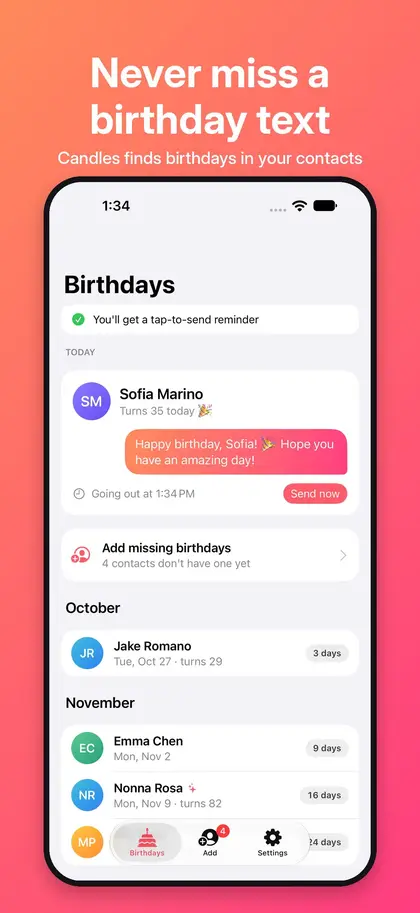
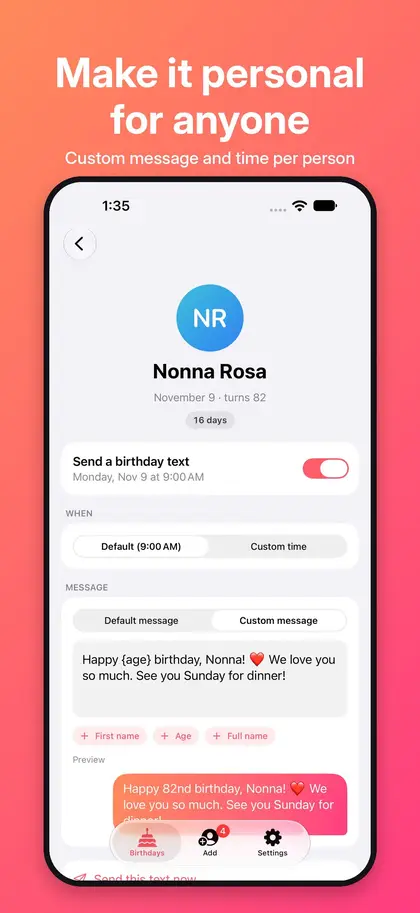
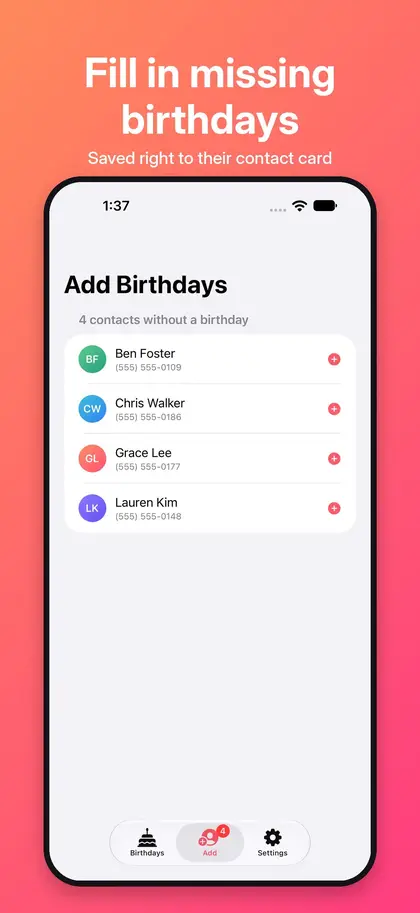
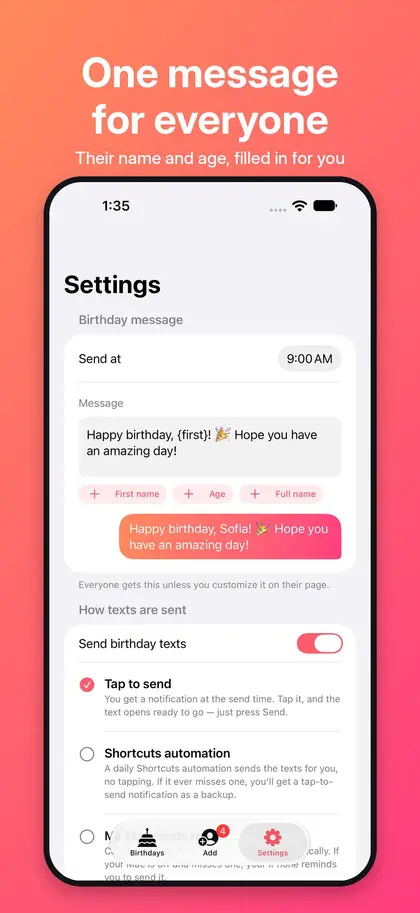
Wishbird sends the texts you mean to send. It finds the birthdays in your contacts and sends a warm, personal text on the day, at the time you choose. Set one message for everyone, add a few versions so people get a different one each year, or write something special for the people who matter most.
It does holidays and anniversaries too. Sort your contacts into Family, Friends and Work with a quick swipe, then pick who gets a Christmas, Thanksgiving or New Year's text, or send one message to the family group chat. Anniversaries come from the dates on your contact cards.
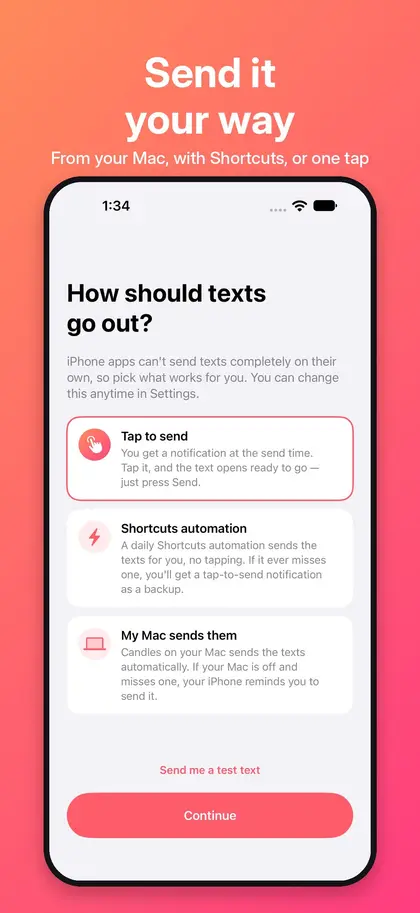
Send it your way: tap a reminder and your text opens ready to go, let a daily Shortcuts automation send it, or let Wishbird for Mac send through Messages on its own. If your Mac is asleep or off, your iPhone reminds you so nobody gets missed.
Going away? Away Mode answers texts while your Vacation Focus is on, once per person per trip, and skips your Family and Friends. It also walks you through quieting your work email and recording a voicemail greeting. On your own birthday, Wishbird can thank everyone who texts you.
Share birthdays with your family: start a family list in iCloud, invite them in Messages, and everyone's birthdays show up for each other, under the names you use. You still choose who you text.
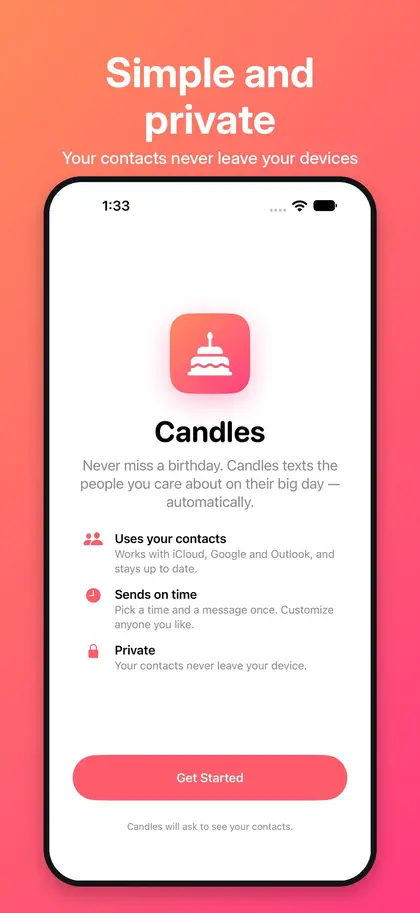
Your contacts, birthdays and messages stay on your devices and in your own iCloud. Texts go out through Messages from your own number. No account, no ads, no tracking.
Features
- Birthday texts from any contacts account (iCloud, Google, Outlook), with a default or per-person message and send time
- Different message each year, and a heads-up a few days before with your gift ideas
- Holiday texts for Family, Friends or Work, plus anniversaries
- Swipe to sort contacts into Family, Friends and Work
- Away Mode: automatic vacation replies, work email steps and a voicemail script
- Birthday thank-yous on your own birthday
- Shared family birthdays through iCloud
- Show birthdays on your calendar, including one you share
- Home Screen and Lock Screen widget
- Send from your Mac, with a Shortcuts automation, or with one tap
Free or paid
Free trial: Your first 3 automatic birthday texts are free, so you can try hands-free sending before you buy.
Free, no ads
Free
- Birthday list from your contacts, with default or per-person messages
- Tap a reminder to open a ready-to-send text, as often as you like
- 3 automatic texts (from your Mac or a Shortcuts automation) to try it
- Holiday and anniversary texts with one tap
- Away Mode: your first trip free (up to 7 days)
One-time purchase
Wishbird Plus
- Unlimited automatic birthday, holiday and anniversary texts
- Away Mode for every trip after your first
- One purchase covers your iPhone and Mac
Prices are shown in the App Store in your currency.
On your Mac
- Download Wishbird for Mac and open the zip file.
- Drag Wishbird into your Applications folder, then open it.
- Allow access to Contacts, then click OK when your Mac asks to let Wishbird use Messages.
- Turn on “Open Wishbird when I log in” so texts still go out after a restart.
- On your iPhone, choose “My Mac sends them” in Wishbird so you get a reminder if your Mac is off. Wishbird Plus is bought in the iPhone app and unlocks your Mac too.
Help
Questions, bugs or ideas? Use the feedback form inside the app, or visit Wishbird support.